Free Printable College Ruled Lined Paper
Free Printable College Ruled Paper is a ready-made printable sheet with a fixed, repeating spacing. Start with the ready-made layout, or open the matching generator to adjust the settings available for this paper type.
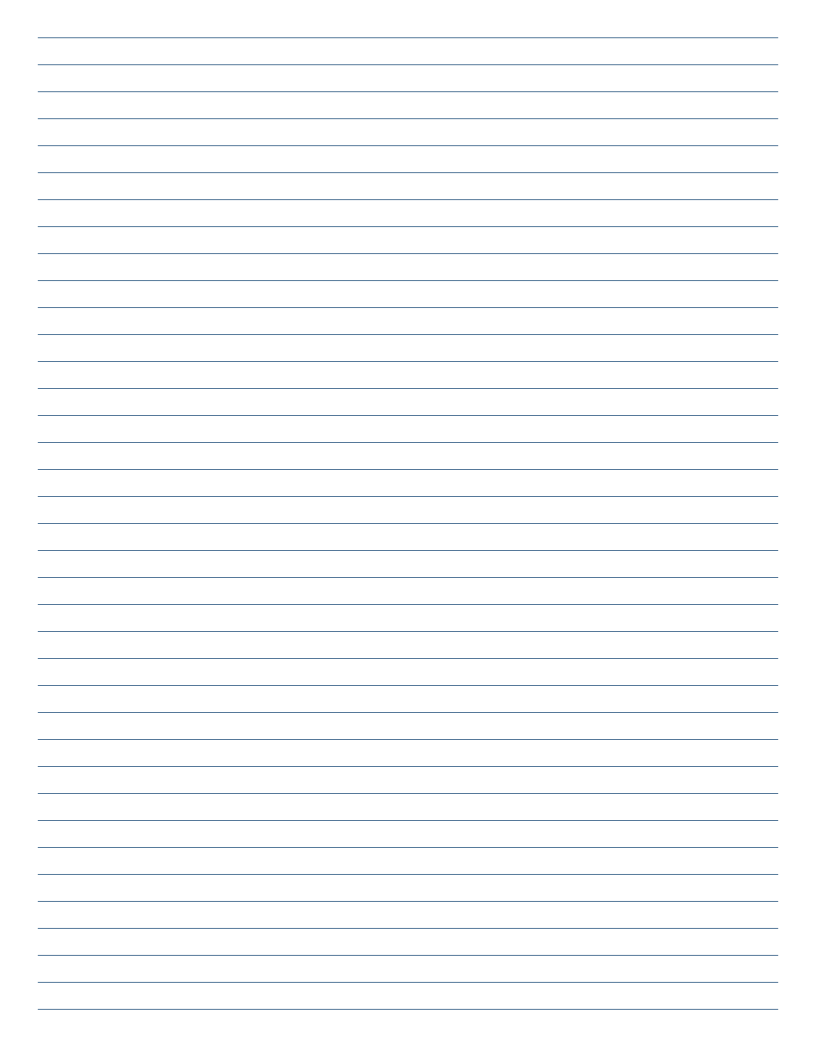
Preview is a screen rendering, not the physical print size. Print at 100% / Actual size.
Preview the printable PDF
Specifications
- Grid / line spacing
- 7.14 mm
- Line width
- 0.2 mm
- Colour
- #1F4E79 on #FFFFFF
- Margins
- 10 mm
- Page size
- 215.9 × 279.4 mm
- Orientation / pages
- Portrait · 1
Preview and download
Choose a download that matches your paper size. Check the preview before printing, especially if the sheet will be used with a binder, notebook, or existing layout.
Template details
Check the exact line spacing in the preview settings when matching an existing notebook.
Check the preview and file specifications for the exact layout dimensions. The paper size describes the whole sheet; margins reserve space around the pattern. Available file sizes and formats are shown beside the download controls.
When this layout is useful
This version is intended for compact notes and longer passages. If the marks feel too close together or too far apart, compare another preset in this category rather than scaling the finished file without checking the result.
Customize this template
Open the lined paper generator with this preset selected. Change only the settings you need, then check the exported file. A different page orientation changes the available area, not the meaning of the spacing value.
Print the intended dimensions
Choose the intended paper size in the print dialog. Use Actual size or 100% scale when physical dimensions matter. A fit-to-page setting may change the layout scale. Print one sheet first and check it before producing a larger batch.
Common questions
Can I use another paper size?
Use an available download or set the required dimensions in the generator. Check that your printer supports the selected sheet size.
Why is the printout a different size?
A print scaling option may have changed it. Compare the selected file size and paper size, choose actual-size printing, and test again.
Can I reuse or share the file?
Read the template license for the permissions and any exceptions that apply to the selected file.